


Online Webcam Test
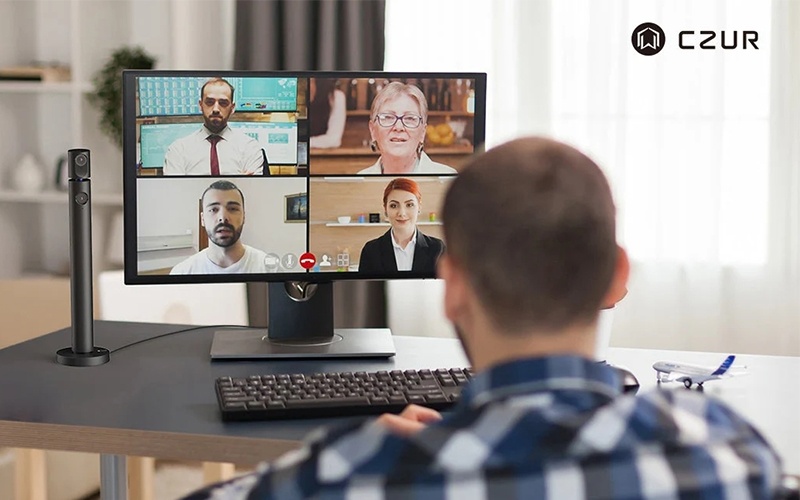
Before joining an online meeting, attending a virtual interview, or recording a video, it's important to make sure your webcam is working properly. A camera that isn't detected, produces blurry images, or has incorrect video settings can affect the overall communication experience. Fortunately, checking your webcam doesn't require complicated software or technical knowledge. An online webcam test allows you to quickly verify whether your camera is connected, preview the video feed, check image quality, and identify potential issues with camera permissions or browser settings. You should also make sure the correct camera is selected, your operating system recognizes the device, and the browser or video conferencing app has permission to access it. These checks are especially useful when switching between built-in laptop cameras and external USB webcams. If you're unsure how to perform these checks on different devices, follow How to Test Your Webcam on Windows, Mac & Browsers 2026 for step-by-step instructions to test your camera and troubleshoot common problems before your next video call.


